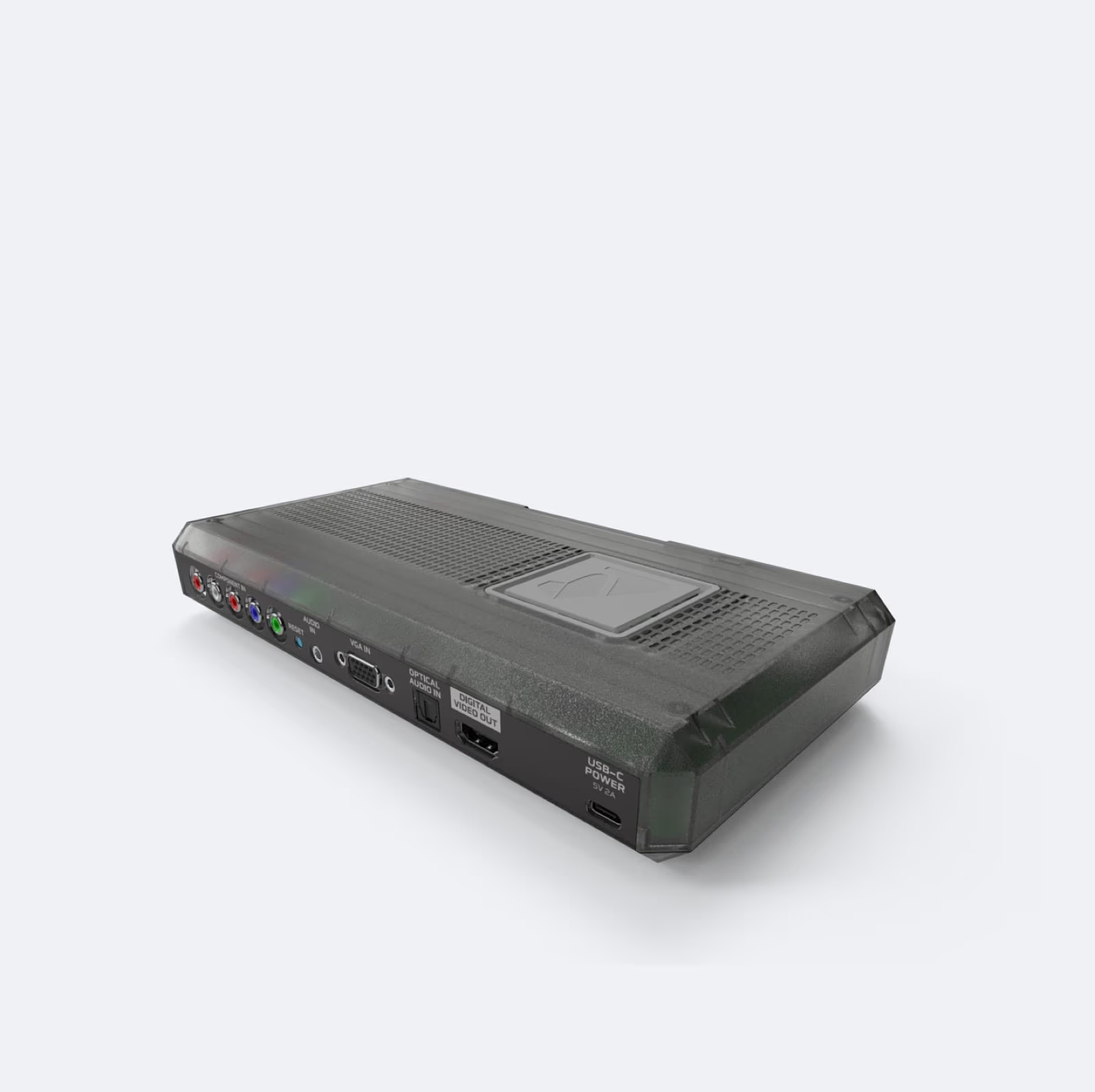
Image: RetroTINK (RetroTINK-6X CE product image)
RetroTINK Firmware Adds Curved CRT Glass, Bezels and Composite Video Simulation
The RetroTINK 4K and 6X scalers can now bend the picture like the glass of a CRT and frame it in a lit, reflective bezel. Four experimental firmware builds posted between 29 October and 2 November, versions 1.99.7 to 1.99.10, add an Advanced CRT Effects page with tube curvature, glass glow, a bezel with reflections and simulated tube sag, and on the 4K Pro a composite video simulation that encodes the picture to composite and decodes it again. RetroRGB covered the update on 2 November with off-screen examples on an OLED television.
Until now the RetroTINK's CRT features worked on a flat picture: scanlines, phosphor masks and a CRT beam simulation for motion, which firmware 1.99 brought in line with Blur Busters' reference shader in mid-October. The new stage sits on top of those and imitates the tube and the plastic around it.
What the four builds add
1.99.7, 29 October. The Advanced CRT Effects page arrives on the 4K Pro, the 4K CE and the RetroTINK 6X. The changelog lists tube curvature, spherical or cylindrical, glass glow and scatter, a bezel with reflections, tube sag and "breathing", and corner misconvergence. The 4K Pro alone also gets composite video simulation, which needs a 240p, 480i, 288p or 576i source. The notes say the effects work best with 240p and 480i sources using CRT Simulation. 480p sources and 480i sources deinterlaced in Motion Adaptive mode also work, with a more limited range of curvature.
1.99.8, 31 October. Bezel Style becomes a four-way choice: On, Scatter (reflections only) and No Bezel, plus Off for the whole glass stage. No Bezel means the curvature and glass effects can now run without a frame. A new Bezel Zoom control resizes the bezel from -30 to +12 percent, Lip Reflection is renamed Bezel Reflection, and the page is reorganised into Tube, Bezel & Glass and Composite Video sections. The bezel itself gets rounder outer corners, smoother corner reflections and a new bevel.
1.99.9, 1 November. Bug fixes to the bezel lighting, including "breathing" that could get stuck in a loop and a wavy pattern with positive crop values, and Bezel Zoom now moves in steps of 1 percent. This build also adds screenshots, covered below.
1.99.10, 2 November. The Consumer bezel gets a little thicker, with a wider black inner border and a longer light fall-off. A new Bezel Size option, Crop, makes the bezel follow the picture's crop settings, with Bezel Zoom adjusting around it. Two glitches are fixed: CRT glow that could freeze on an old image until the unit was reset, and a stepped dark edge near the corners when glow was strong.

Settings that matter
The changelog sets two conditions for the CRT effects: use a linear light or HDR mode, and use regular scanlines, because the Energy Conservation (E-Con) scanline mode does not support curvature. RetroRGB's explanation is that E-Con scanlines are already variable, so they cannot bend. It adds that HDR has to be on for the bezel glow to work properly.
RetroRGB's setup advice is short: load a CRT mask profile, switch the scanlines to something other than E-Con, and open the new menu. Its examples used a Super NES over RGB SCART at 1440p with a 6x scale, a mode it says the 6X CE handles at 60Hz and both 4K models at 120Hz. The site's argument for the bezel is practical. An even integer scale, which proper CRT masks need, leaves black bars on every side of a 240p picture at 1440p, and the bezel fills that space.
On burn-in, which RetroRGB raised as a concern of its own, the site watched a 45-minute television episode through the effects and wrote: "I experienced no image retention whatsoever." Its reasoning is that the bezel's lighting changes constantly with the content, and it put the risk on a par with a game's HUD or a news ticker.
Screenshots and steadier menus
Two smaller changes are aimed at anyone who tests or documents settings. Version 1.99.9 adds screenshots: Capture Input saves the source picture and Capture Output saves the processed output, both as PNG files in a screenshots folder on the SD card. They can be taken from the OSD/Firmware page or with AUX 5 (input) and AUX 6 (output). The image pauses during capture; the changelog warns that saving at the source resolution is fast but full 4K uncompressed output "may take some time". HDR captures keep their HDR tag.
Version 1.99.5 on 20 October brought an OSD scaling engine, so the menus, on-screen keyboard and messages keep the same size and shape at every output resolution and refresh rate. High refresh modes such as 1080p144 and 1440p120 no longer stretch them, and custom modelines with wide pixel aspect ratios, such as 3840x1080, show the menus in the right proportions.
How it compares
Curved glass and reflective bezels have been available in software for years. In RetroArch, the Mega Bezel Reflection Shader by HyperspaceMadness draws bezels "filled with curvature simulation and reflections", according to the libretro introduction, which dates the project's start to July 2019 and experimental shaders with "real-time reflections on emulated display bezels". The base package is part of the libretro shader repository and is released under GPLv3. The koko-aio shader, by kokoko3k, lists curvature and "Bezels with realistic reflections" among its features and credits HyperspaceMadness for allowing it to use the Mega Bezel's generated bezel.
Those shaders run on a PC or handheld's GPU and apply to emulated games. The RetroTINK applies its effects in the scaler itself, between a real console's analogue output and a modern display, so they work with original hardware rather than only with emulators. RetroTINK's 6X CE announcement says that model is designed "to keep full lockstep with the RetroTINK-4K CE in features, just at a lower resolution", which is why the new page appears on the 4K Pro, the 4K CE and the 6X together, while composite simulation is listed for the 4K Pro only.
RetroRGB credits the firmware to Mike Chi.
What is not known yet
All four builds are pre-release. The experimental page says "PROPER FUNCTIONALITY IS NOT GUARANTEED, AND FEATURES MAY STILL BE IN DEVELOPMENT", and RetroTINK has not said when the CRT effects will reach an official firmware. The changelog does not say whether composite simulation will come to the 4K CE or 6X, and 1.99.7 notes that XBR scaling is on hold for now on the 4K Pro. RetroRGB reported a planned bezel thickness option; 1.99.10, released the same day, made the Consumer bezel thicker and added the Crop bezel size, and it is not yet clear whether further thickness controls are coming. RetroRGB's examples were HDR captures, and as with the beam simulation, how the effects look will depend on the display.
Sources
- RetroTINK-LLC on GitHub: RetroTINK firmware 1.99.10
- RetroTINK-LLC on GitHub: RetroTINK firmware 1.99.7
- RetroTINK Firmware Repository: RetroTINK-4K / 6X Experimental Firmware
- RetroRGB: RetroTINK 6x / 4K CRT Curvature & Bezels
- RetroTINK: Introducing the RetroTINK-6X CE
- Libretro: RetroArch: Introducing the Mega Bezel Reflection Shader
- HyperspaceMadness on GitHub: Mega_Bezel
- kokoko3k on GitHub: koko-aio-slang
More News
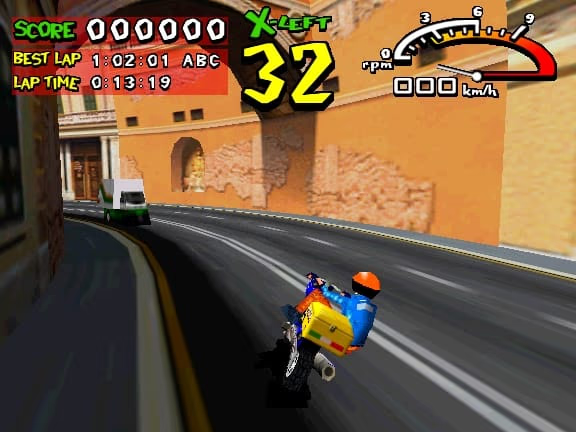
Gaelco's 3D Arcade Board Reaches MiSTer With Speed Up, Surf Planet, Radikal Bikers and Football Power
Developer decoryah released a MiSTer core for Gaelco's late-1990s 3D arcade hardware on 2 November, running all four games of MAME's gaelco3d driver with sound, from the author's own repository.
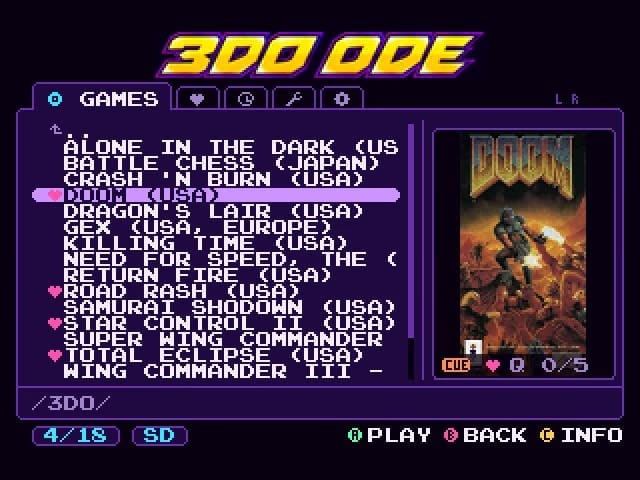
New 3DO ODE Menu Replaces Fixel's Stock Interface With Box Art, Favourites and Multi-Disc Queueing
Todd Gill has released a free replacement menu for Fixel's FZ-1 ODE, the XPort and SataTo3DO-based clones, built from a byte-exact reconstruction of Fixel's original and designed to make big game folders quick to browse.
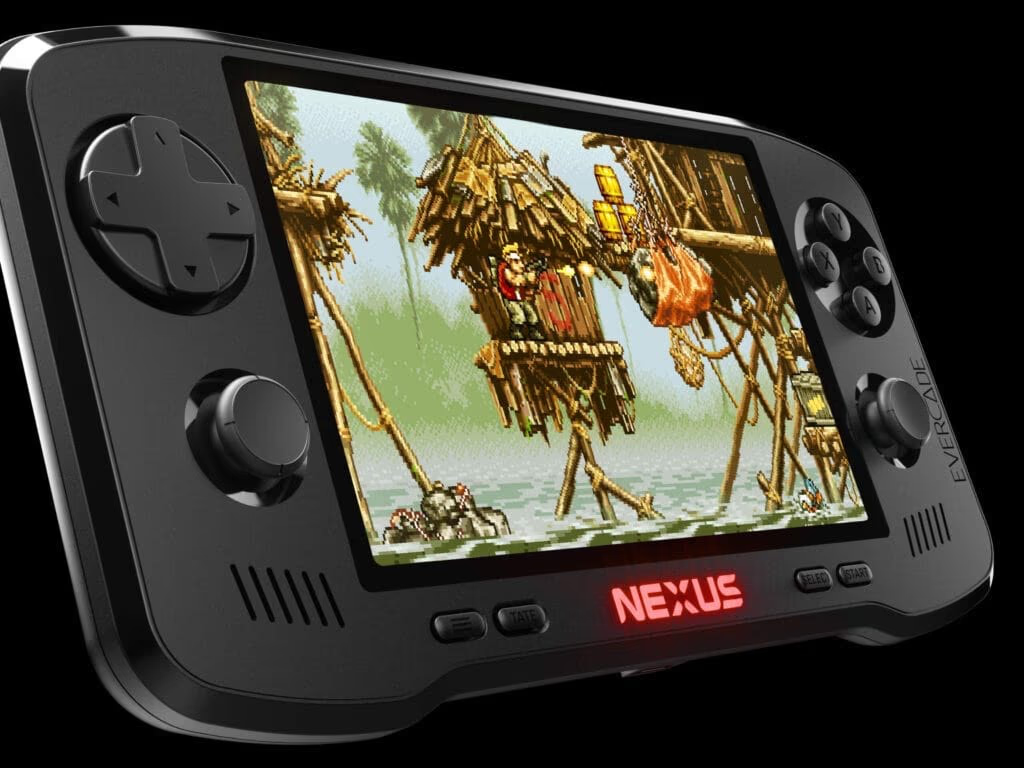
Evercade Nexus Goes on Sale With Analogue Sticks, a 5.89-Inch Screen and Banjo-Kazooie in the Box
Blaze Entertainment's Evercade Nexus launched on 30 October at £169.99, $199.99 or €199.99, with the largest screen of any Evercade, dual analogue sticks and a cartridge holding Banjo-Kazooie and Banjo-Tooie.