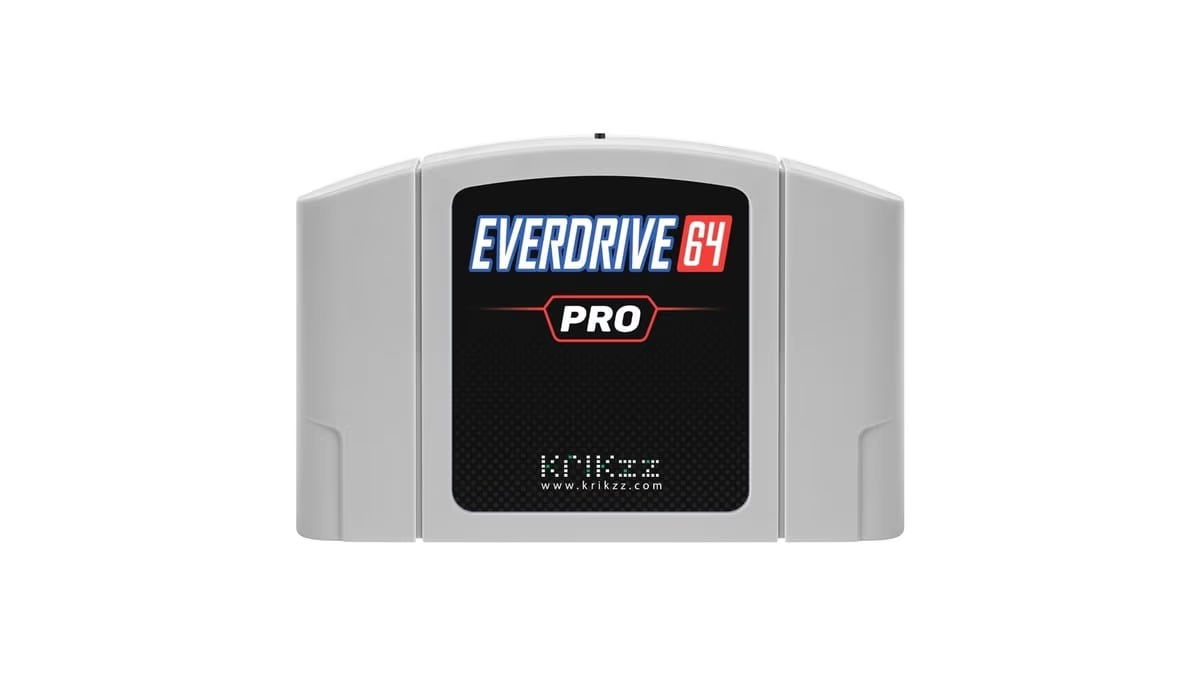
Image: Krikzz (EverDrive-64 PRO product image)
EverDrive-64 PRO Firmware Adds Save States on Original N64 Hardware
The EverDrive-64 PRO can now save and load states on an original Nintendo 64. Krikzz published firmware version 26.1012 for the flash cartridge on 12 October, and its changelog opens with "In-Game menu and Save State functions". A second build, 26.1014, followed two days later with changes to how those in-game functions are reached. The feature needs an Expansion Pak in the console.
Krikzz numbers its firmware by build date: according to the manual, the digits before the dot are the year and the digits after it are the month and day. The PRO itself launched with firmware 26.0731 at the end of July, and the only update before this one, 26.0812, was a fix to the cartridge's built-in NES core. Cart & Pixel covered the PRO's launch at the time.
What the update adds
The changelog for 26.1012 lists five changes:
- - the in-game menu and save state functions;
- - a "Constant cart signature for A3D (ED640027)";
- - launching an attached external 64DD from the main menu;
- - a "Start Safe" launch mode for a clean boot without cheats or the in-game menu;
- - a menu mode identifier for PixelFX.
Build 26.1014 adds two more: "Menu logic changed for In-Game functions", and a Controller Pak manager that can now save to the game data folder of the last game played, rather than only to a separate dumps folder.
Krikzz's product page for the cartridge lists "Multi-slot save states" and an "In-game menu" among its features, alongside the 64DD support, Cyclone 10 FPGA and 128 MB of SDRAM it shipped with. The price shown is $169. RetroRGB reported the update on 13 October and advised owners to read the manual before using it.
How the in-game menu works
The user manual, revised on 14 October, describes the menu in full. During play, a button combination opens it: [DOWN] + [START] by default, and any combination of two or more buttons can be assigned by holding them for about two seconds in the options. The menu itself has three entries: Save State, Load State and Exit Game. Left and right switch between save slots, Z previews the state stored in the selected slot, and a bar at the bottom of the screen shows the slot number and the time the state was saved. The timestamps come from the cartridge's real-time clock, which the manual says is also used to date save files.

Exit Game returns to the cartridge's menu. The manual also notes that Mode-A, which boots straight into the last game at power-on, can be left through the in-game menu.
Whether a game gets the menu is decided at launch. In the 14 October manual, each ROM can be started three ways: Start Game, for normal mode and "best compatibility"; Start With IGM, which enables the in-game menu and comes with the warning that "some games may not work in this mode"; and Start Mode-A. A Start Mode option sets the default to STD, IGM, or AUTO, which according to the manual uses the plain mode "for games with known in-game menu compatibility issues" and the in-game menu for everything else. The "Start Safe" name from the 12 October changelog does not appear in the revised manual; the 14 October build is the one that changed the menu logic.
The Expansion Pak catch
Both cheats and the in-game menu require the Expansion Pak, and the manual's limitations section adds a second condition: games that need the Expansion Pak should be started in Start Game mode, because "the in-game menu will take over the Expansion Pak, preventing the game from using it."
That matters for the games that need it most. Nintendo's Expansion Pak added 4 MB of RAM, doubling the console's memory to 8 MB. It was released on its own in late 1998, and it is required by Donkey Kong 64, The Legend of Zelda: Majora's Mask and all 64DD software, while Perfect Dark's single-player campaign needs it too. Read together with the manual, this means the EverDrive's save states cover games that run without the Expansion Pak, but not the games that need the Pak themselves, since the menu takes it over.
How it compares
The EverDrive is not the first N64 flash cartridge to offer save states this year. In September, John Steinmeyer released a fork of the open-source N64FlashcartMenu that adds save states to the SummerCart64, an open-source cartridge with 64 MiB of SDRAM, 64DD emulation and a GPLv3 licence. The earliest release on its GitHub page is dated 15 September, and version 2.0 followed on 30 September.
That project takes a different approach. Holding L, R and up on the D-pad saves, and L, R and down loads, with a panel of slot thumbnails on R, Z and Start, and as many slots as the SD card has room for. It also needs an Expansion Pak, but its README says "Nothing stays resident in the console's memory, so games that use the whole Expansion Pak work too." For the 64 MB games, Conker's Bad Fur Day, Resident Evil 2 and Pokemon Stadium 2, states go straight to the SD card, which the author says takes about five seconds to save and three to load. Steinmeyer reports that 281 of the 299 games tried work, all tested on an NTSC console, and that PAL consoles, the Analogue 3D and the M64 have not been tried.
The difference for owners is official support. The EverDrive's save states come in Krikzz's own firmware, on a commercial cartridge, without replacing the menu. The SummerCart64 route is a third-party fork, installed by copying its menu file to the SD card and switching save states on per game.
What is not known yet
Krikzz has not published a list of the games that misbehave with the in-game menu, though the AUTO start mode implies the firmware carries one. The manual says "multi-slot" without giving a number of slots. The changelog does not explain the "A3D" cart signature or what the PixelFX identifier enables, and the changelog covers the PRO only, with nothing on whether the older X-series cartridges will get the feature.
Sources
- Krikzz: EverDrive-64 PRO firmware changelog
- Krikzz: EverDrive-64 PRO user manual (14.10.2026)
- Krikzz: EverDrive-64 PRO
- RetroRGB: EverDrive-64 Pro: Savestates Added
- John Steinmeyer on GitHub: Save states for the SummerCart64 (N64FlashcartMenu fork)
- SummerCart64: SummerCart64 features
- Wikipedia: Nintendo 64 accessories
More News
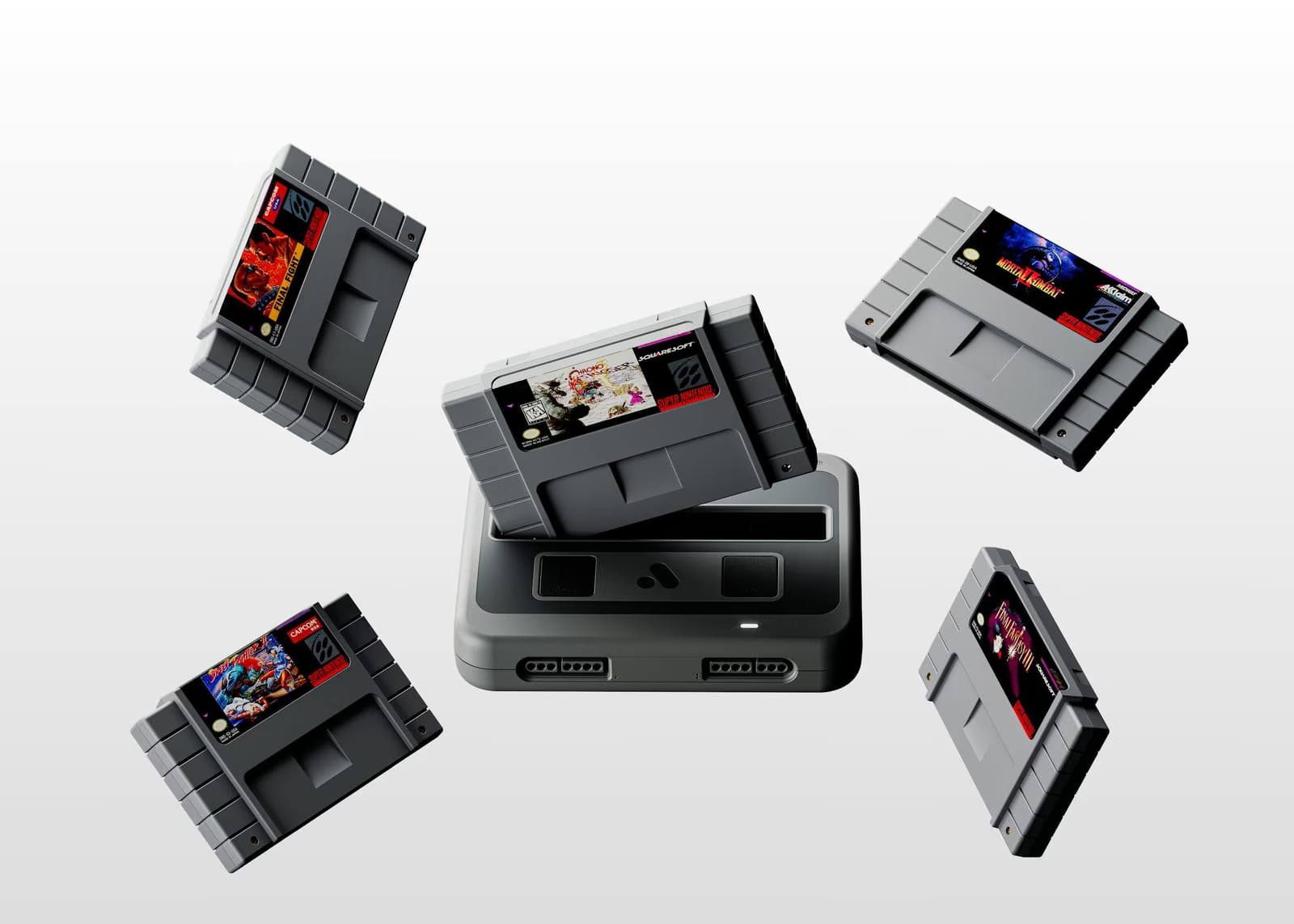
Analogue Announces Super Nt+ and Mega Sg+, With Wireless Controllers and USB-C, for $219.99
Analogue's FPGA Super Nintendo and Mega Drive consoles return as the Super Nt+ and Mega Sg+, adding Bluetooth and 2.4 GHz controllers, USB-C power and hot-swappable cartridges. Preorders open on 19 October at 8am PDT, and both ship in December.
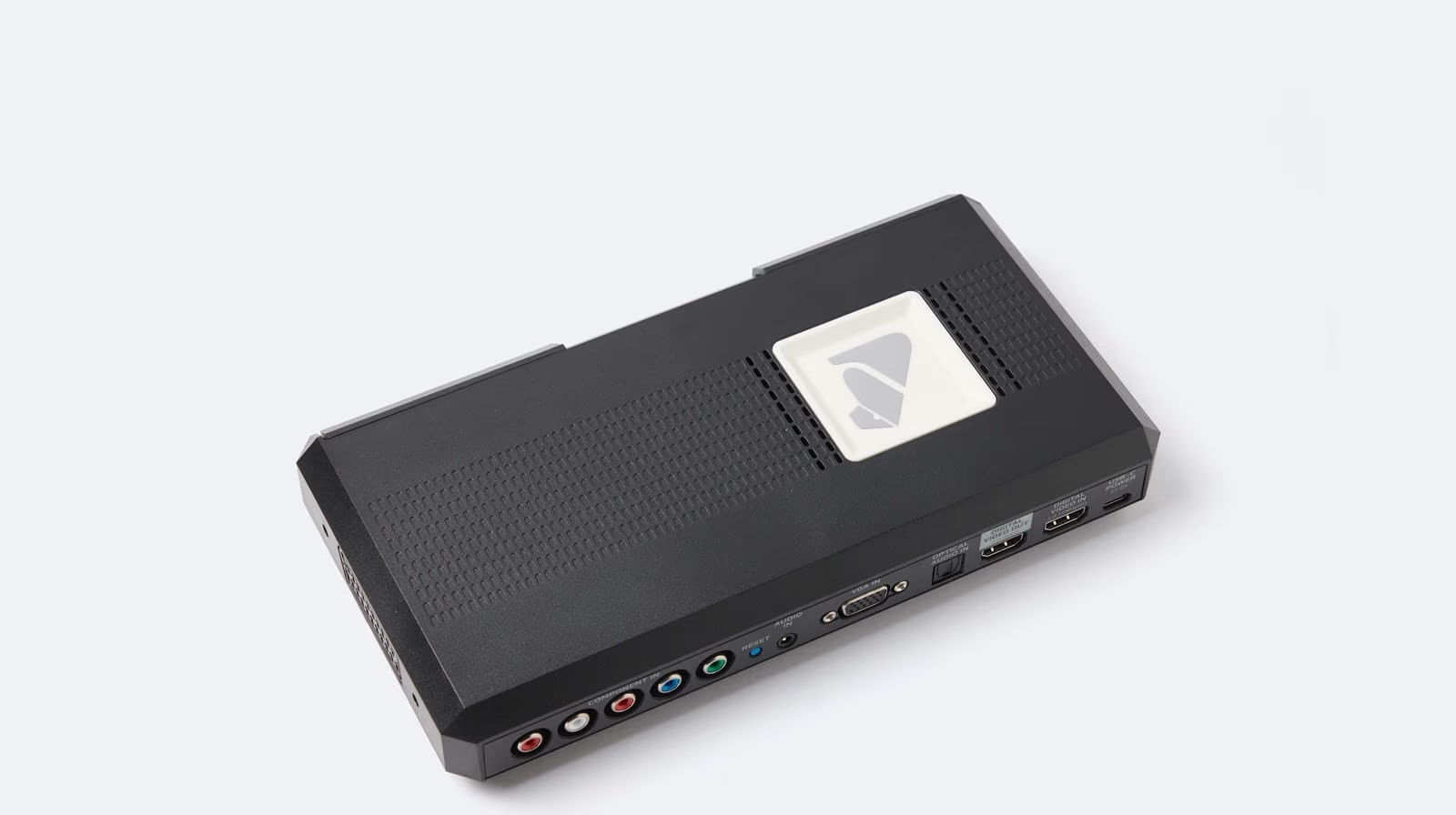
RetroTINK 4K Firmware 1.99 Brings Its CRT Beam Simulation in Line With Blur Busters' Reference Shader
Experimental firmware 1.99.0 and 1.99.1 for the RetroTINK 4K add a Multi-frame Glow option and a Motion Clarity control that match the open-source CRT beam simulator by Blur Busters and Timothy Lottes, capping a month of builds that also brought true VRR, a new inverse telecine engine and steadier Lumacode.
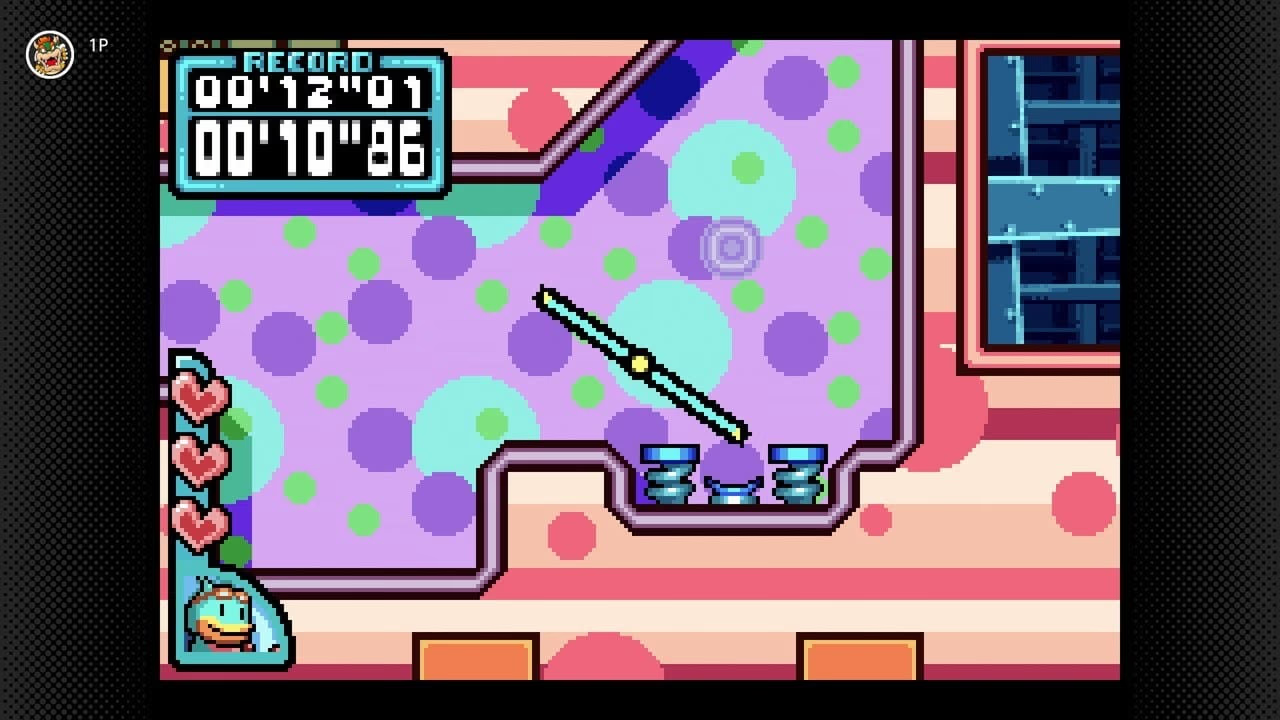
Kururin Paradise Reaches the West for the First Time as Switch Online Adds Three GBA Games
Nintendo added Kururin Paradise, Metal Slug Advance and Monster Rancher Advance to Game Boy Advance - Nintendo Classics on 14 October, giving the 2002 Kururin sequel its first release outside Japan.