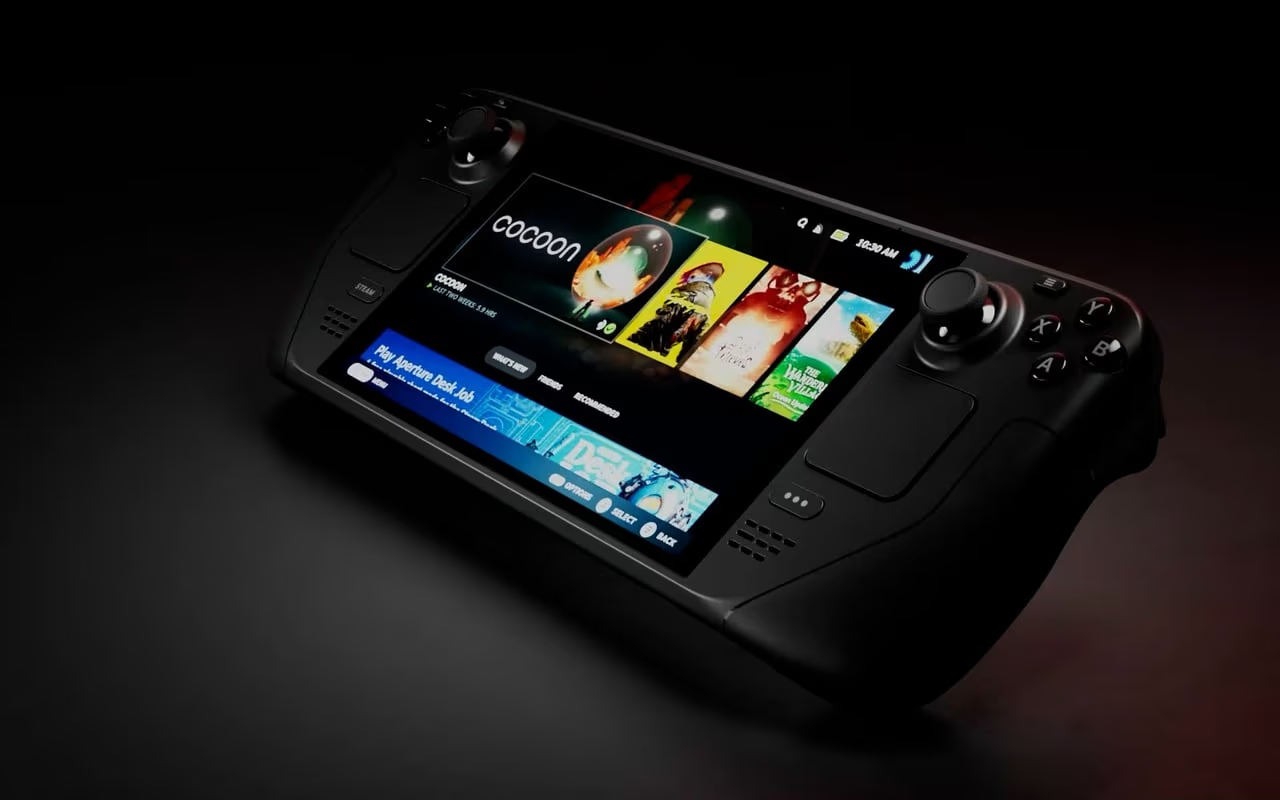
Steam Deck as a Retro Gaming Machine: An EmuDeck-Powered Review
The Steam Deck was designed to play PC games on the go. What Valve may not have anticipated is that it would become the single best retro gaming handheld ever made: a device capable of playing virtually every console and handheld game from the 1970s through the early 2000s with room to spare. The secret weapon is EmuDeck, an open-source script that transforms Valve's portable PC into a retro gaming powerhouse with minimal effort.

EmuDeck: The Glue
EmuDeck is what makes the Steam Deck's retro gaming potential accessible. Without it, you'd need to manually install and configure a dozen different emulators, set up controller mappings for each one, manage ROM directories, and figure out how to launch everything from Steam's Game Mode interface. EmuDeck automates all of this.
Run the installer, choose your settings (Easy Mode for beginners, Custom Mode for tweakers), and EmuDeck downloads RetroArch with appropriate cores for older systems, standalone emulators for newer ones (DuckStation for PS1, PCSX2 for PS2, Dolphin for GameCube and Wii), configures optimal settings for the Steam Deck's hardware, and sets up Steam ROM Manager to import your games with artwork into the Steam library.
The result is a unified interface where your entire retro gaming library sits alongside your Steam games, complete with box art and metadata. Select a game, press play, and the correct emulator launches with the correct settings. It just works.
Performance by Era
8-bit and 16-bit (NES, SNES, Genesis, Master System, Game Boy, TurboGrafx-16): Perfect. These systems run flawlessly through RetroArch cores with zero dropped frames and negligible battery impact. You could play these all day on a single charge. Accuracy is excellent with recommended cores, Mesen for NES, bsnes for SNES, Genesis Plus GX for Genesis.
32-bit (PS1, Saturn, N64): Excellent. DuckStation handles PS1 beautifully at 2x native resolution with PGXP geometry correction eliminating the classic PS1 polygon wobble. N64 runs well through Mupen64Plus-Next with ParaLLEl RDP, though a handful of demanding titles (Factor 5 games, Rogue Squadron) may need per-game tweaks. Saturn emulation via Mednafen is solid for most titles but remains the most demanding of the 32-bit era.
128-bit (PS2, GameCube, Dreamcast): Very good with caveats. PCSX2 handles most of the PS2 library at native resolution, with many titles playable at 1.5x or 2x scaling. Dolphin runs the majority of the GameCube library at full speed. Dreamcast through Flycast is near-perfect. Battery life drops noticeably here, expect 2-3 hours for PS2 and GameCube versus 5-6 hours for lighter systems. Fan noise also increases during demanding titles.
The Controls
The Steam Deck's built-in controls are excellent for retro gaming. The d-pad is responsive and precise, critical for 2D platformers and fighters. The analog sticks handle dual-stick emulation well for PS1/PS2 titles. The face buttons and triggers are well-positioned and responsive.
The back paddles are the secret weapon. EmuDeck maps L4 and L5 to quick save and load states, and R4/R5 to fast forward and rewind. These are game-changers for retro gaming, quick save before a tough boss, rewind a missed jump, fast forward through unskippable cutscenes. Having these on dedicated buttons without pausing or opening menus transforms the experience.
The touchpads are available for mouse input when needed, and the gyroscope can be mapped for motion-controlled aiming in games that support it through Dolphin.
Storage and Organization
A high-capacity microSD card (512GB to 1TB) comfortably holds complete ROM libraries for every system through N64, plus curated collections for PS1, PS2, and GameCube. The A2-rated cards recommended for Steam Deck provide fast enough read speeds that load times are not a concern.
Steam ROM Manager handles the organizational heavy lifting, scraping artwork and metadata for your library and presenting everything in a clean, browsable interface. The visual presentation is genuinely impressive, scrolling through a wall of classic game cover art in Steam's Big Picture mode is its own kind of nostalgia.
Versus Dedicated Retro Handhelds
Compared to the Analogue Pocket or Miyoo Mini, the Steam Deck is larger, heavier, and louder. It won't fit in a pocket, the battery life is shorter for demanding systems, and the Linux-based setup, even simplified by EmuDeck, requires more technical comfort than purpose-built retro devices.
But nothing else plays PS2 and GameCube games portably. Nothing else offers the same breadth of system compatibility. Nothing else gives you back paddles for save states, a full-resolution display for every system, and the flexibility of a complete Linux PC when you need it. For sheer capability, the Steam Deck with EmuDeck is unmatched.
Verdict
The Steam Deck with EmuDeck is the most capable retro gaming handheld ever made. It plays everything from the dawn of gaming through the sixth console generation with excellent accuracy and performance. EmuDeck removes the complexity barrier, and the Steam Deck's hardware provides the controls, display, and horsepower to do justice to decades of gaming history. It's not the most elegant or portable solution, but it's the most powerful and versatile. If you want one device for your entire retro gaming library, this is it.
Score Breakdown
Pros
- +Plays everything from Atari 2600 through PS2 and GameCube
- +EmuDeck automates emulator setup and configuration
- +Excellent built-in controls with back paddles for hotkeys
- +Massive storage with microSD card support
Cons
- -Heavier and bulkier than dedicated retro handhelds
- -Battery life suffers with demanding emulators (PS2, GC)
- -Linux-based setup may intimidate less technical users
- -Fan noise increases during heavier emulation
More Hardware Reviews
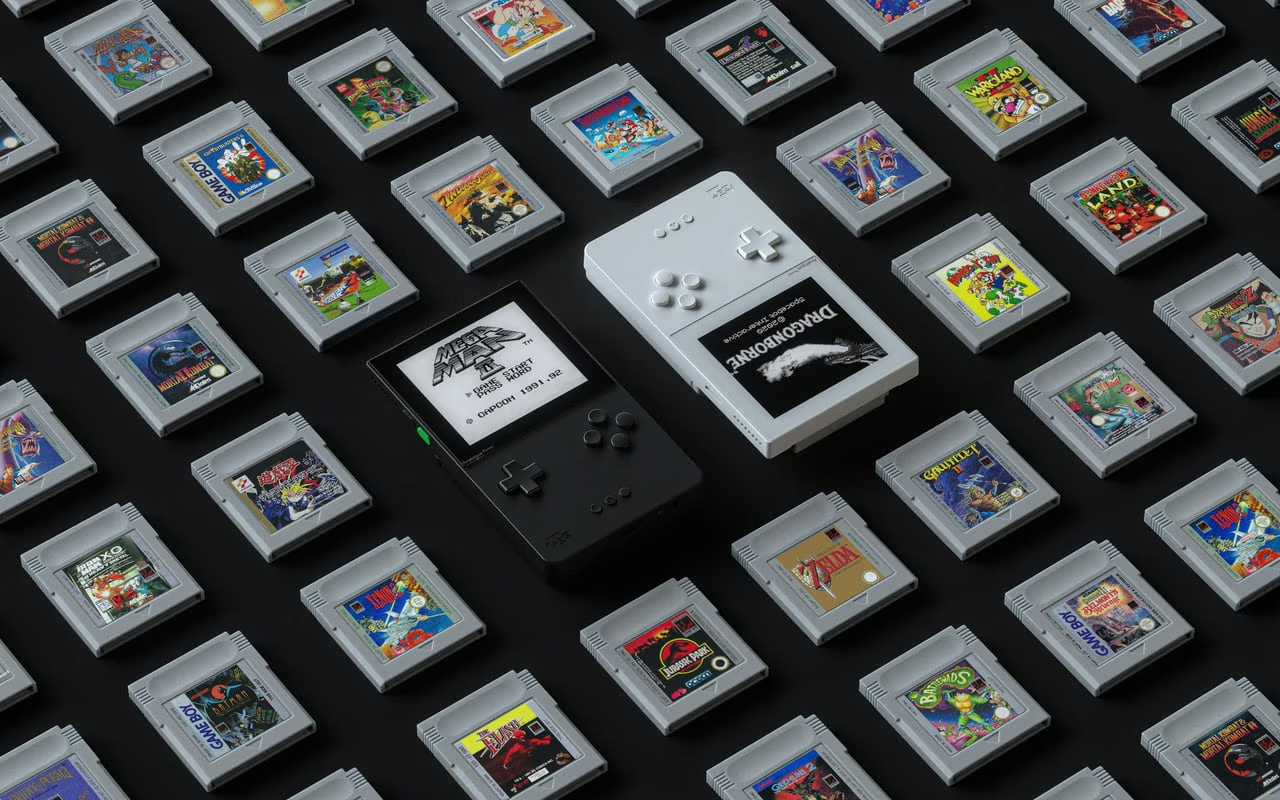
Analogue Pocket: The Ultimate Handheld Retro Gaming Device
Analogue's FPGA handheld plays Game Boy, Game Boy Color, and Game Boy Advance cartridges with stunning accuracy on a gorgeous 3.5-inch display. With openFPGA support, it's a portable retro gaming powerhouse.
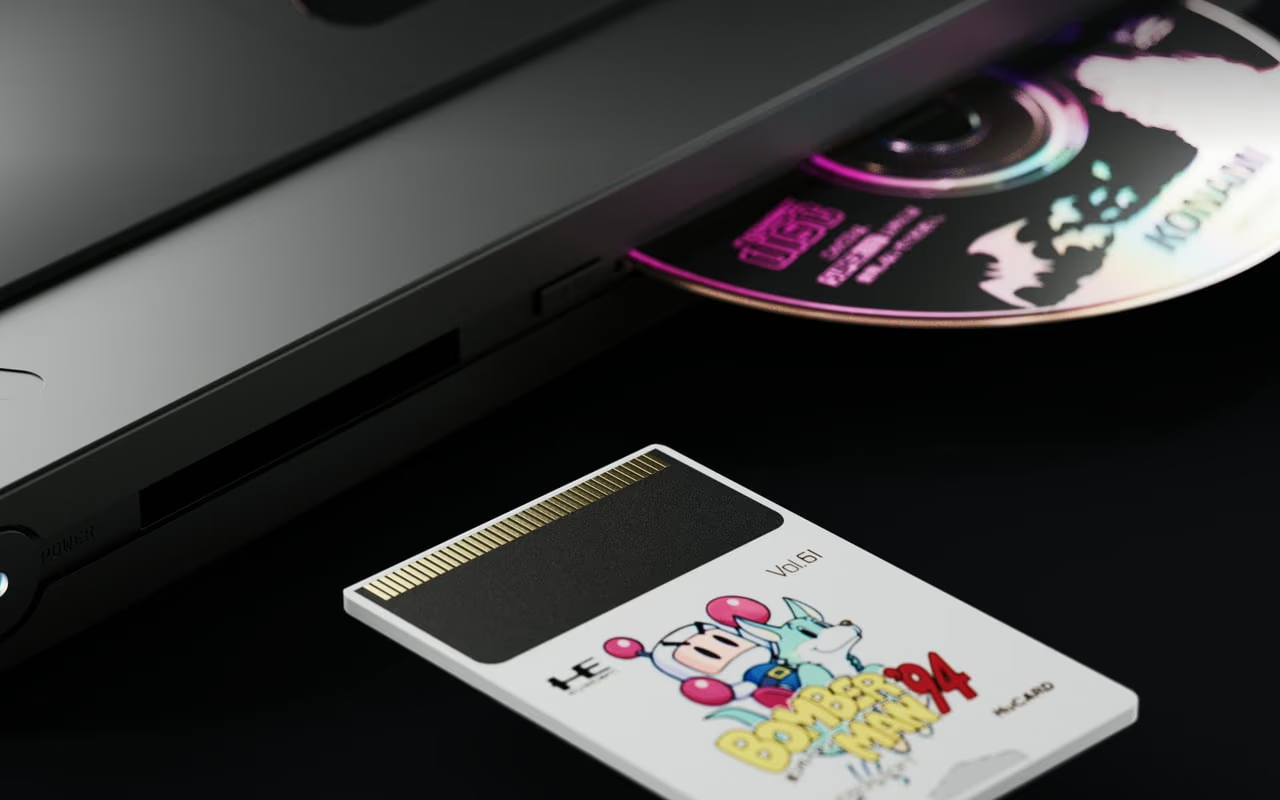
Analogue Duo: The Definitive TurboGrafx-16 and PC Engine Experience
Analogue's FPGA-based Duo plays every TurboGrafx-16, PC Engine, and CD-ROM² format on modern displays via HDMI. For fans of NEC's underappreciated console family, this is the ultimate hardware.
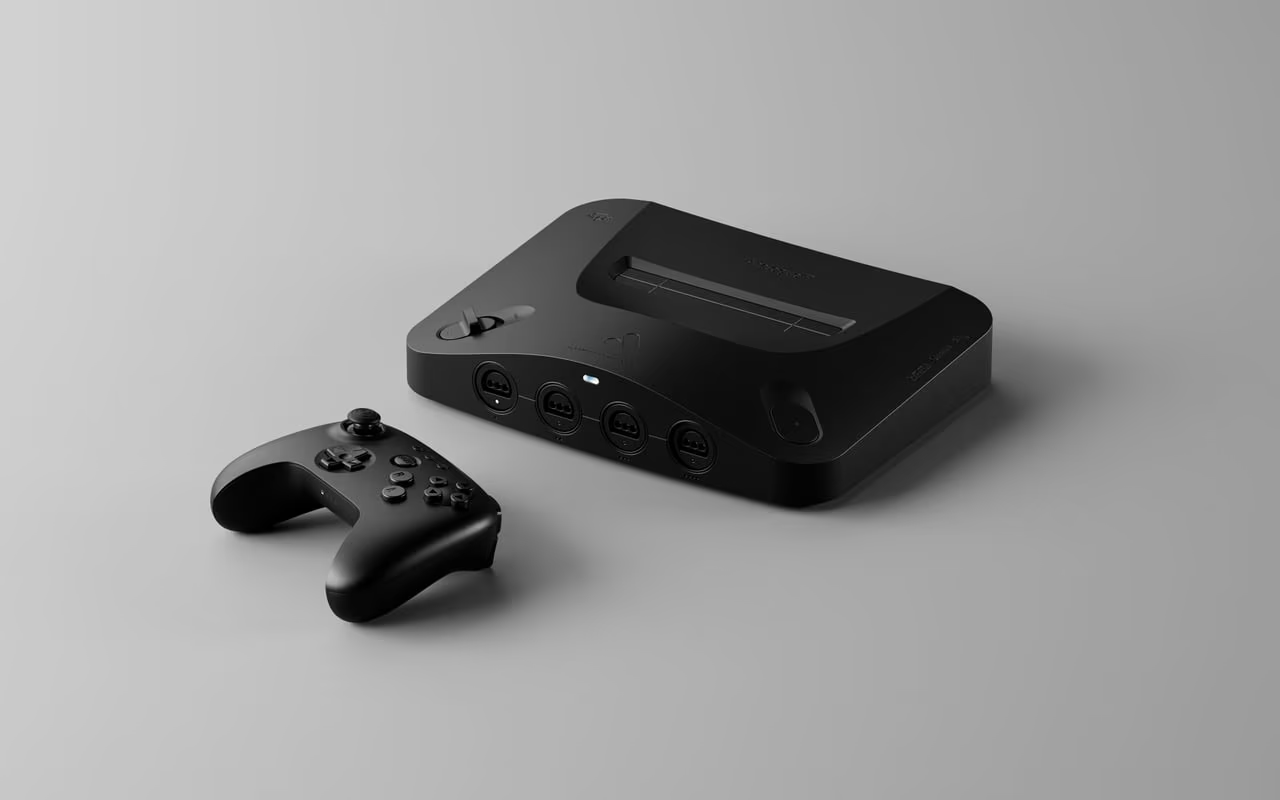
Analogue 3D: The Definitive Way to Play N64 in 2025
Analogue's FPGA-based N64 console plays original cartridges at 4K via HDMI with zero input lag. It's the most faithful, and most expensive, way to experience the N64 library on modern displays.